QR codes that tell you who scanned
Print a code once, change where it leads whenever you like, and see how many people scan it, when, and on what phone. On your own domain, with your logo.
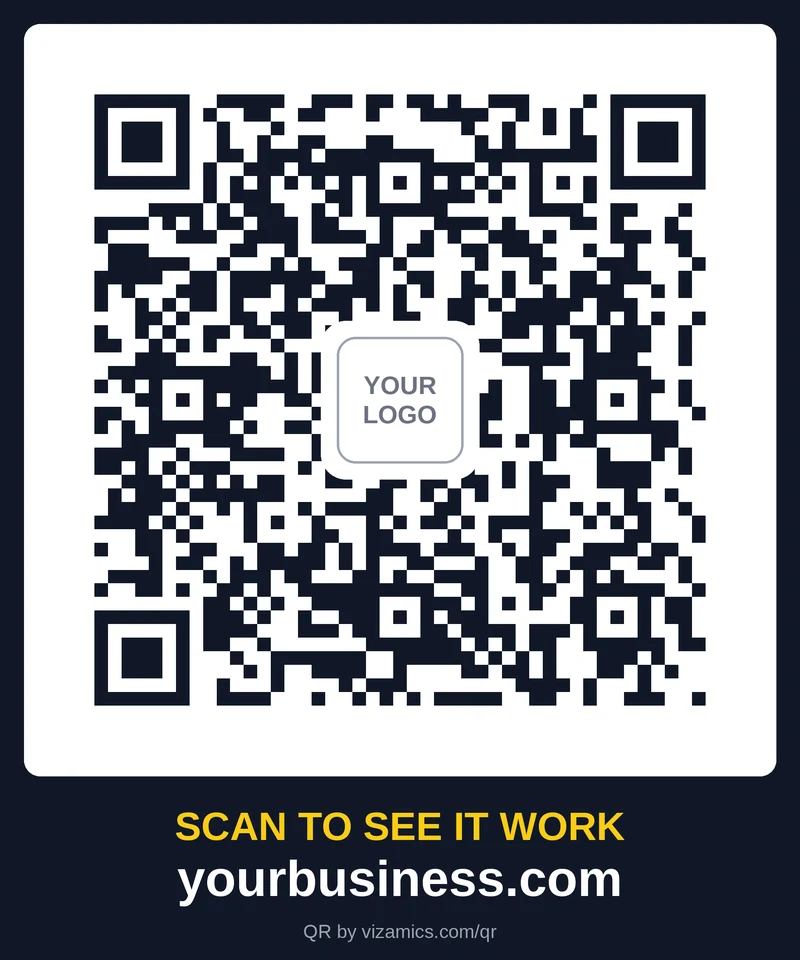
Made for print
On your own domain
Each code is a short link on your website, like yourbusiness.com/q/shop. Customers see your name, not a link-shortener's.
Change it after printing
Point a printed code at a new page, an offer or a catalogue at any time. The code on paper never changes.
Your logo in the middle
Upload your logo once. It sits on a white square in the centre and the code still scans reliably.
Print-ready files
A ready-to-print card in PNG and JPG at 300 dpi, a vector SVG that stays sharp at any size, and the code on its own for designers. One ZIP.
Never a dead end
Pause a code and it opens your home page instead of an error, so old flyers still bring people in.
No personal data
We count scans without storing IP addresses or anything that identifies a person. Link previews and bots are left out.
Scan analytics
Know which flyer, counter or van is working.
- Scans per day for the last week, month, quarter or year
- Unique visitors, not just total scans
- Phone or desktop, iPhone or Android, and which browser
- The busiest hour of the day
- The latest scans as they happen
- Every scan since the code was made — the history is kept from day one
Plans
Included
Free with your Vizamics website
- 2 QR codes
- Your logo in the middle
- All print files (PNG, JPG, SVG, ZIP)
- Change the page after printing
- “QR by vizamics.com/qr” on the print card
QR Analytics
Most chosenAsk for a price billed annually
- Unlimited QR codes
- Full scan analytics
- Clean print cards without our name
- Everything in Included
Where businesses use them
Shop counter
Customers browse your full range and ask for a quote while they wait.
Flyers and brochures
One code per campaign shows which flyer actually brought people in.
Vans and signboards
Turn every vehicle and sign into a way to reach your catalogue.
Packaging and invoices
Send buyers to reorder pages, manuals or warranty details.
How it works
- 1
Make a code
Name it, choose the page it opens and add your logo in your website's admin.
- 2
Download and print
Take the print card or the ZIP to any printer. Scan a test print first.
- 3
Watch the scans
See scans by day, phone and hour, and move the code to a new page whenever you like.
Questions
- How is this different from a free QR generator?
- A free generator puts the final link inside the code, so it can never change and you can't see who scanned it. Our codes go through a short link on your domain, which lets you change the destination and count the scans.
- Will the code stop working if I stop paying?
- No. Printed codes keep working and keep opening your site. Without the analytics plan you simply don't see the scan reports.
- What size should I print it?
- At least 2.5 cm wide for something held in the hand, and bigger for posters or vehicles: roughly 1 cm of code for every 10 cm of scanning distance. Keep the white border around the code.
- Do I need a Vizamics website?
- The codes run on the websites we build and host. If your site is elsewhere, get in touch and we'll tell you what's possible.
- Can customers tell it's tracked?
- The code opens your page straight away. We don't set cookies for the scan or store anything that identifies the person.
Have a process that should run on its own?
Tell us about it. We reply within one working day.